

Time Field
Easy Forms includes a separate time field component that uses input masking to clearly indicate time entry to the user.
To use it, add a text field to your blueprint, set the input_type to time, and enable the improved_field option in the Easy Forms configuration section. For example:
yaml
handle: time_field
field:
  input_type: time
  type: text
  display: 'Time Field'
  improved_field: true
  instructions: 'The field uses the "time" input type.'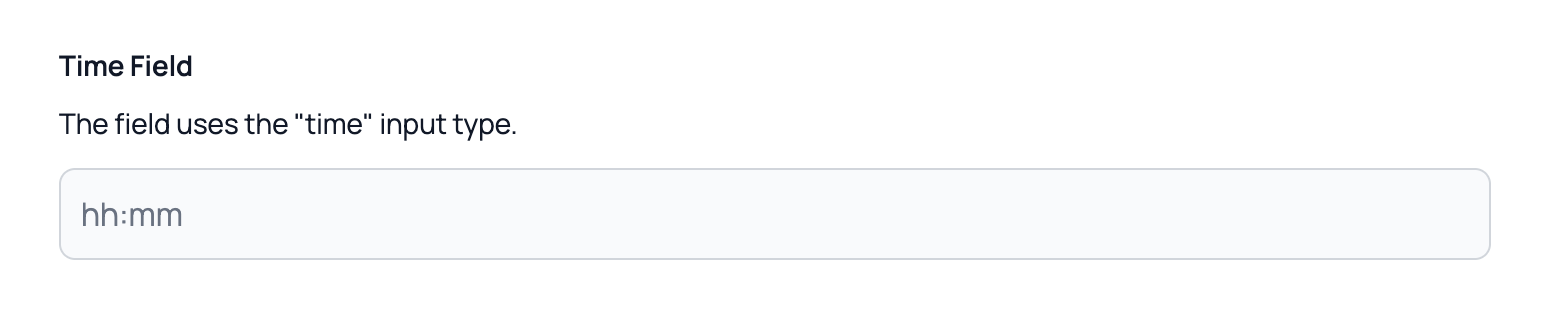
Requirements
This field requires the Alpine.js Mask plugin.
If it's not already loaded, you can add it to your layout file before the main Alpine.js file:
antlers
<script defer src="https://cdn.jsdelivr.net/npm/@alpinejs/mask@3.x.x/dist/cdn.min.js"></script>