
Radio Buttons
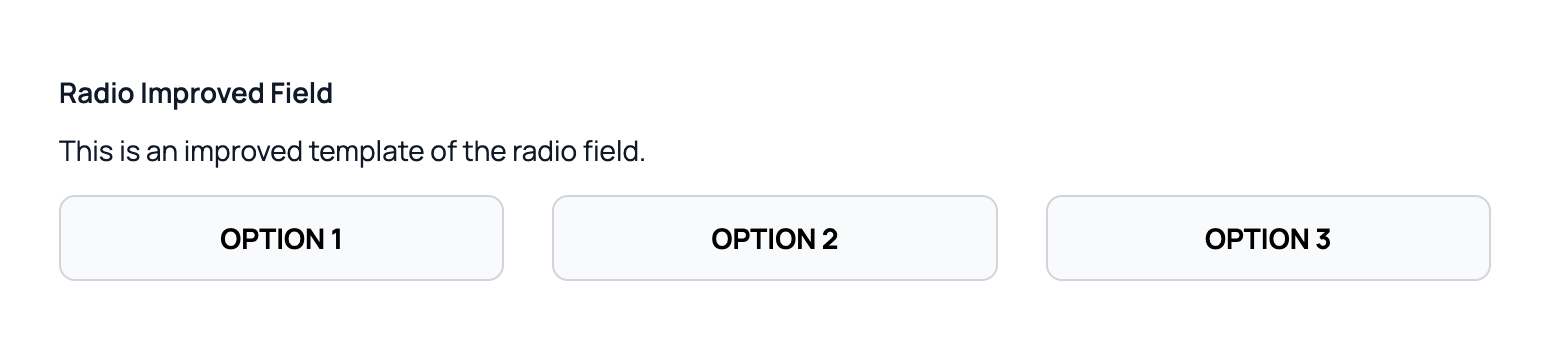
Easy Forms provides radio button fields in two styles: traditional radio circles and modern button-style selectors.
Traditional Radio Field
yaml
handle: simple_radio_field
field:
  options:
    -
      key: option1
      value: 'Option 1'
    -
      key: option2
      value: 'Option 2'
    -
      key: option3
      value: 'Option 3'
  type: radio
  display: 'Simple Radio Field'
Button-Style Radio
Easy Forms also ships with a fully accessible button-style radio input that is better suited for modern interfaces.
To use it, simply enable the Enable Improved Fields option located at the bottom of the field configuration.