

Assets & Files
Easy Forms supports both the Assets and Files fieldtypes. According to the Statamic documentation, the Assets fieldtype uploads files to your server, while the Files fieldtype attaches files directly to the form submission email.
Assets Fieldtype
The Assets fieldtype is a drag-and-drop file upload field built using Alpine.js. It enforces the max_files option. You can (and should) limit the maximum upload size using the max_filesize validation rule and restrict allowed file types.
handle: assets_field
field:
  max_files: 3
  container: uploads
  type: assets
  display: 'Assets Field'
  instructions: 'This uses the "assets" fieldtype to upload files to your server.'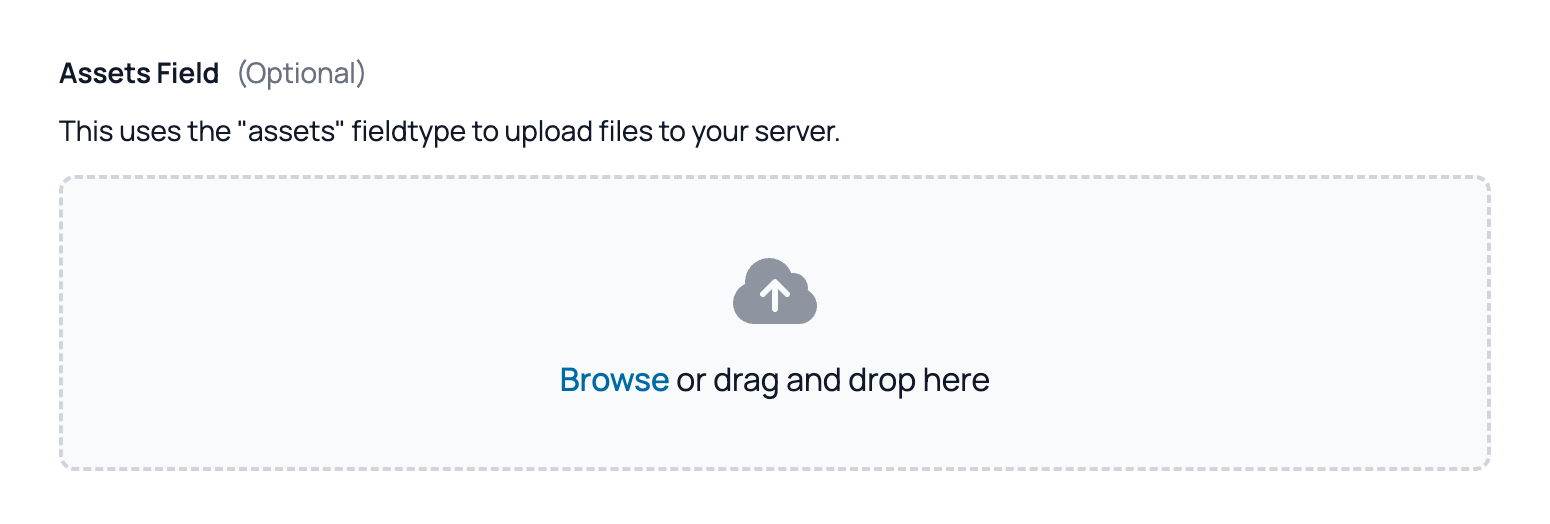
Set the files to upload on a private container
You should never use a publicly accessible container, as this would allow malicious users to upload and access files on your server.
Files Fieldtype
The Files fieldtype is a simpler file upload field with minimal JavaScript, supporting multiple file uploads and enforcing the max_files option. Similar to the Assets fieldtype, you can limit the maximum upload size using the max_filesize validation rule and restrict allowed file types.
handle: files_field
field:
  max_files: 2
  type: files
  display: 'Files Field'
  instructions: 'This uses the "files" fieldtype to attach the uploaded files to the form email.'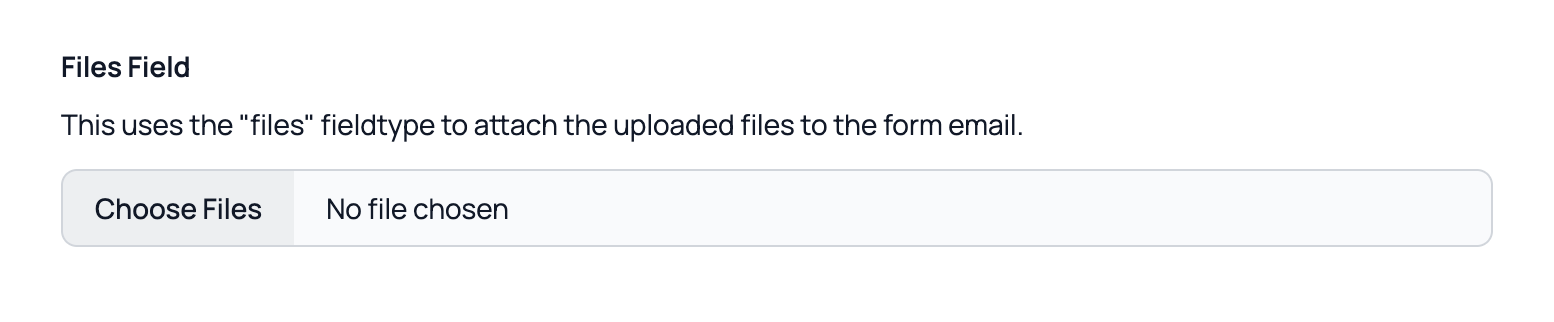
Enable attaching the files to the email
In your form settings, you must enable attachments for the email configuration. Ensure these emails are sent only to your own email account; otherwise, a third party could use your form to send malicious files to others.
Which one to use?
The best choice depends on your specific use case. Generally, the Assets fieldtype is preferable as it stores files on your server, allowing management via Statamic's Assets section. However, this requires that the user viewing the file has access to the Statamic Control Panel.
With the Files fieldtype, files are not saved to the server but are attached directly to the email. This is a better option if you do not want to grant Control Panel access, though you risk losing files if the email fails to send.