

Phone Field
Easy Forms includes an advanced phone field component featuring a searchable country code dropdown (by name or code) that requires a country selection.
This field is particularly useful in international contexts where phone numbers without country codes are ambiguous. It also simplifies validation. The country codes are provided by a Statamic Dictionary included with the addon.
To use it, add a text field to your blueprint, set the input_type to tel, and enable the improved_field option in the Easy Forms configuration section. For example:
handle: telephone_field
field:
  input_type: tel
  type: text
  display: 'Telephone Field'
  improved_field: true
  instructions: 'This field uses the "tel" input type.'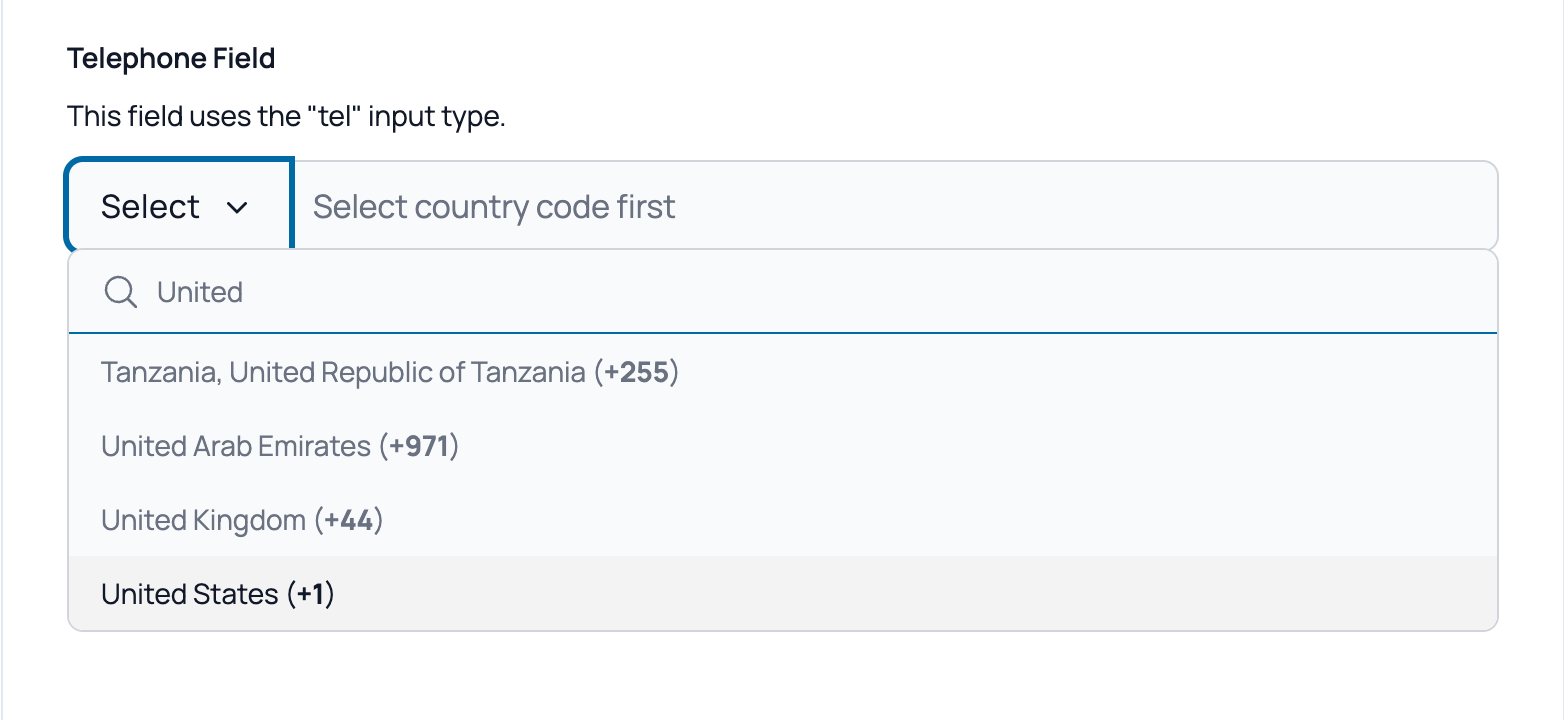
Validation
To validate phone numbers, you can use the propaganistas/laravel-phone package:
composer require propaganistas/laravel-phoneThen, add the phone rule to your validation rules:
validate:
  - required
  - phone
Since the field always includes the country code, validation will correctly verify the number's format.